Turn sound into text.Keep it on your computer.
Turn audio and video files into text on your own machine. Nothing goes to the cloud. No account.
macOS and Windows
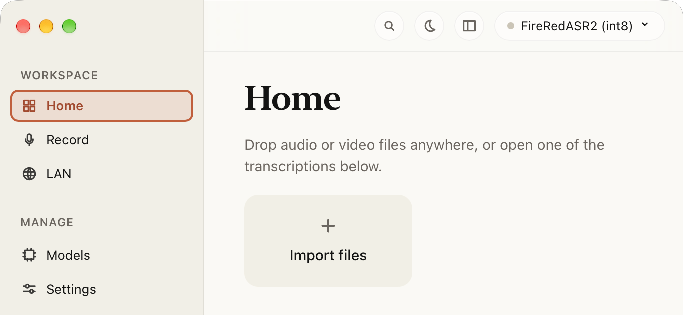
An audio file becomes something you can read. The work happens locally. The models, the history, the results: all yours to keep.
From import to insight.
Pick a step to look inside the app.
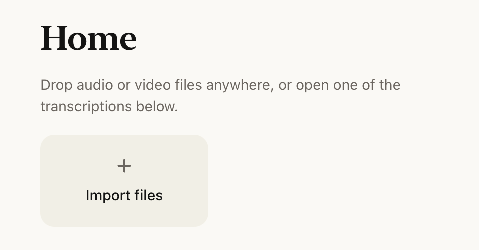
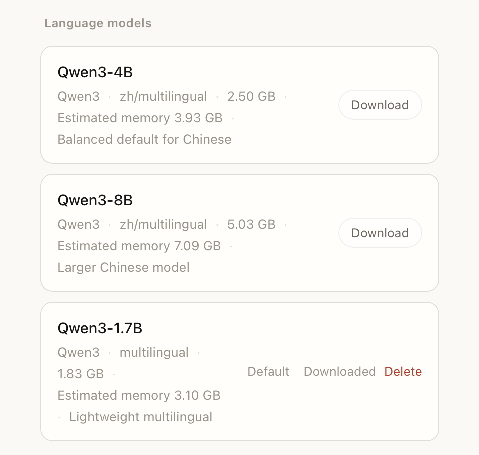
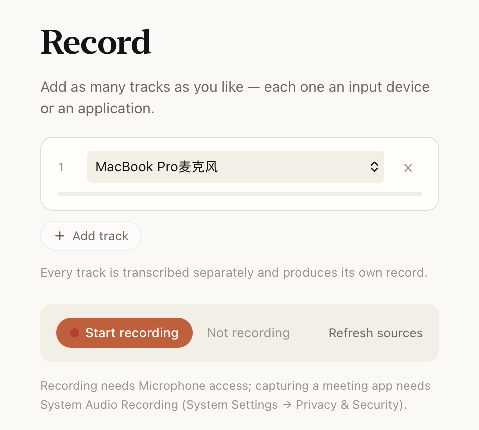
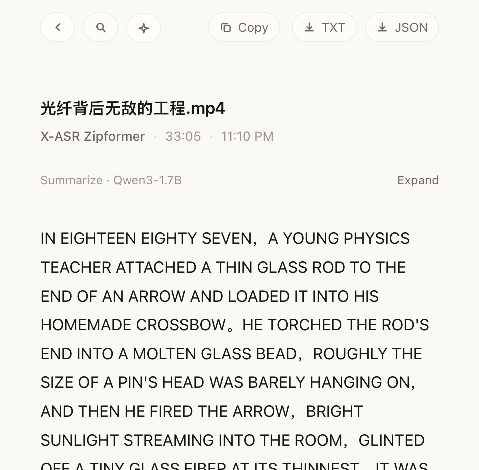
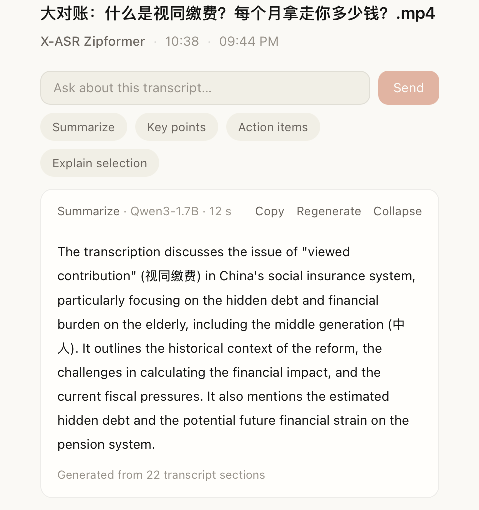
Your workflow. Your way in.
The desktop app, the CLI and the MCP server all talk to the same local service. A job you start in one of them shows up in the others.
Desktop app
Drop in a file, watch the transcript arrive, and keep your queue, history and models in one window.
02CLI
local-transcribe submits jobs, checks status and exports results. Every command prints JSON.
03MCP
A local stdio server that lets an AI client submit, inspect, cancel and export jobs.
Source
Open code. Take a look inside.
The source is on GitHub under the MIT License. Read the code, explore the docs, or join a discussion about what comes next.
Explore the sourceMIT covers the code, not the name or app icon. Third-party components keep their own licenses.
Your files. Your machine.
Local.
Download a model, then transcribe offline. Source files stay untouched and results stay on your computer. Choose LAN compute and media goes only to the node you select.
See where your data goesWhere do the models come from? Do I need the network?
Models download from a curated, measured list inside the app, file by file from the official repositories. If a direct connection fails, it falls back to a mirror automatically. After that, transcription is fully offline.
Does transcription upload my files?
In local-only mode, no. If you choose LAN compute, media is sent to your selected node, not to a cloud service.
Does anything keep running when I close the window?
Yes. A node is its own process and keeps working from the menu bar. Quitting the app asks first.
Can I use the CLI or an AI client?
Yes. local-transcribe is the command-line client and voice-to-text-mcp is the local stdio MCP server. Both connect to the same local service, so they see jobs you started in the app.

Give your next recording a life in text.
Get the app, choose a model, and start on your own computer.
DownloadmacOS and Windows