
Features
Import, transcribe, read, ask and export in one window.
Transcription
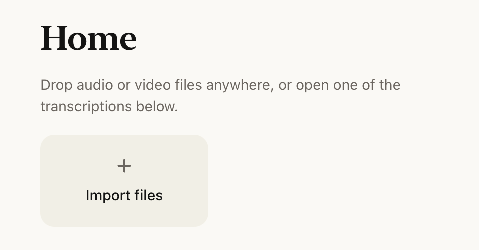
Hand an audio or video file to a local model. The work happens on your computer.
- Import by drag and drop or file picker. The transcript builds up as it runs.
- Jobs queue up and you can cancel them at any time.
- Source media is read-only and never reaches a cloud service.
Models
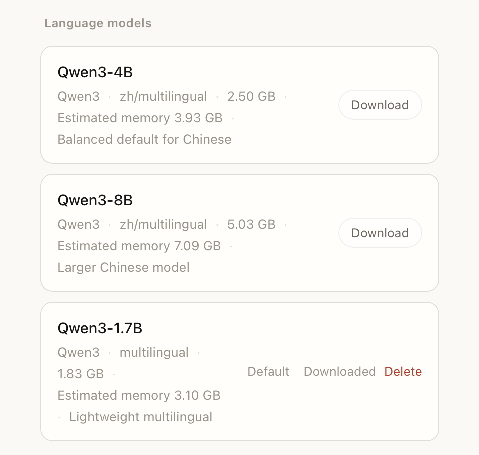
Models download from a curated, measured list inside the app. Arbitrary imports are no longer accepted.
- The library includes transcription, punctuation and Qwen3 language models.
- You can set a default model and delete downloaded ones. Deletions go to the system trash.
- Models load on demand and are reused. The green dot only lights up when a model is actually resident in memory.
- Idle models unload automatically, after 120 seconds by default. Anything from 20 seconds to 2 hours is available.
Recording
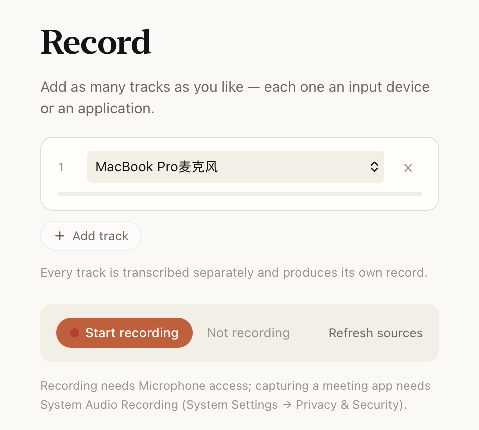
Record inside the app, then transcribe the result locally.
- Record the microphone and a chosen application together.
- Each track is transcribed on its own and becomes its own record.
- No virtual audio driver is installed.
History and export
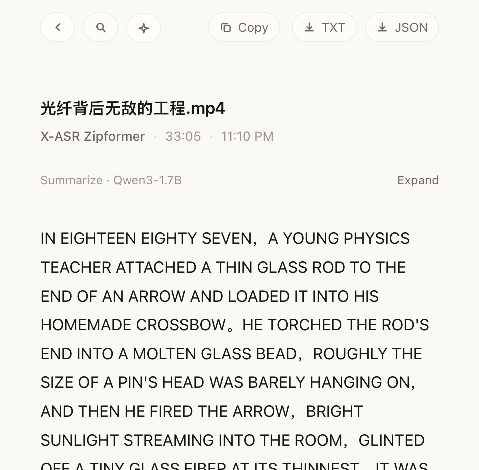
Records are grouped by date and open in a reader.
- Home merges transcription and history. Opening a record shows its text in the reader.
- The toolbar search matches file names and transcript text, and the reader can search again.
- Export as TXT or JSON.
Ask AI
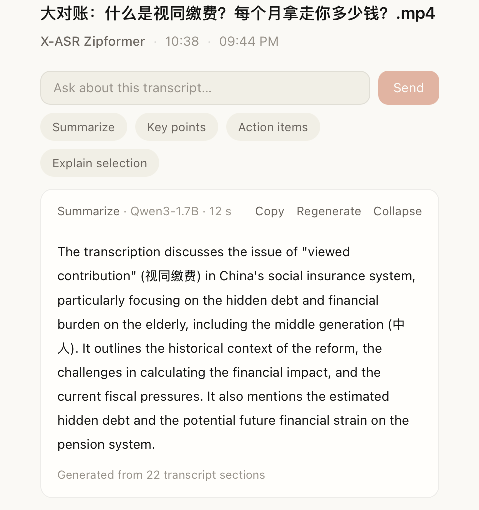
Use a local language model in the reader to explore your transcript.
- Summarize, extract key points, list action items, or explain a selection.
- Ask about the transcript and follow up; longer transcripts are processed in sections.
- Download a language model separately and check generated answers against the original.
Get started easily
Choose your interface language and see model recommendations for your computer on first launch.
- Recommendations consider your language needs and device resources.
- The language model is optional; continue without downloading and change settings later.